
If you want your website to perform well in search engines, a technical SEO audit is essential. It helps identify and fix underlying issues that can impact your site’s visibility and user experience. The good news is, you don’t need to be an expert to conduct a thorough technical SEO audit. This guide will walk you through the key steps to audit your website’s technical health efficiently and effectively.
A technical SEO audit is a comprehensive review of your website’s backend structure and performance, focusing on elements that affect search engine crawling, indexing, and user experience. Unlike content or link audits, technical audits dig into site speed, mobile-friendliness, security, site architecture, and more.
Even the best content won’t rank well if search engines struggle to crawl or index your site. That is why technical SEO ensures your website is accessible, fast, and optimized for both users and search bots. A well-executed audit helps you find hidden issues, improve rankings, and deliver a smoother user experience. If you find the process overwhelming, you can opt for search engine optimization services in the UAE that can help audit and optimize your website for better technical performance.
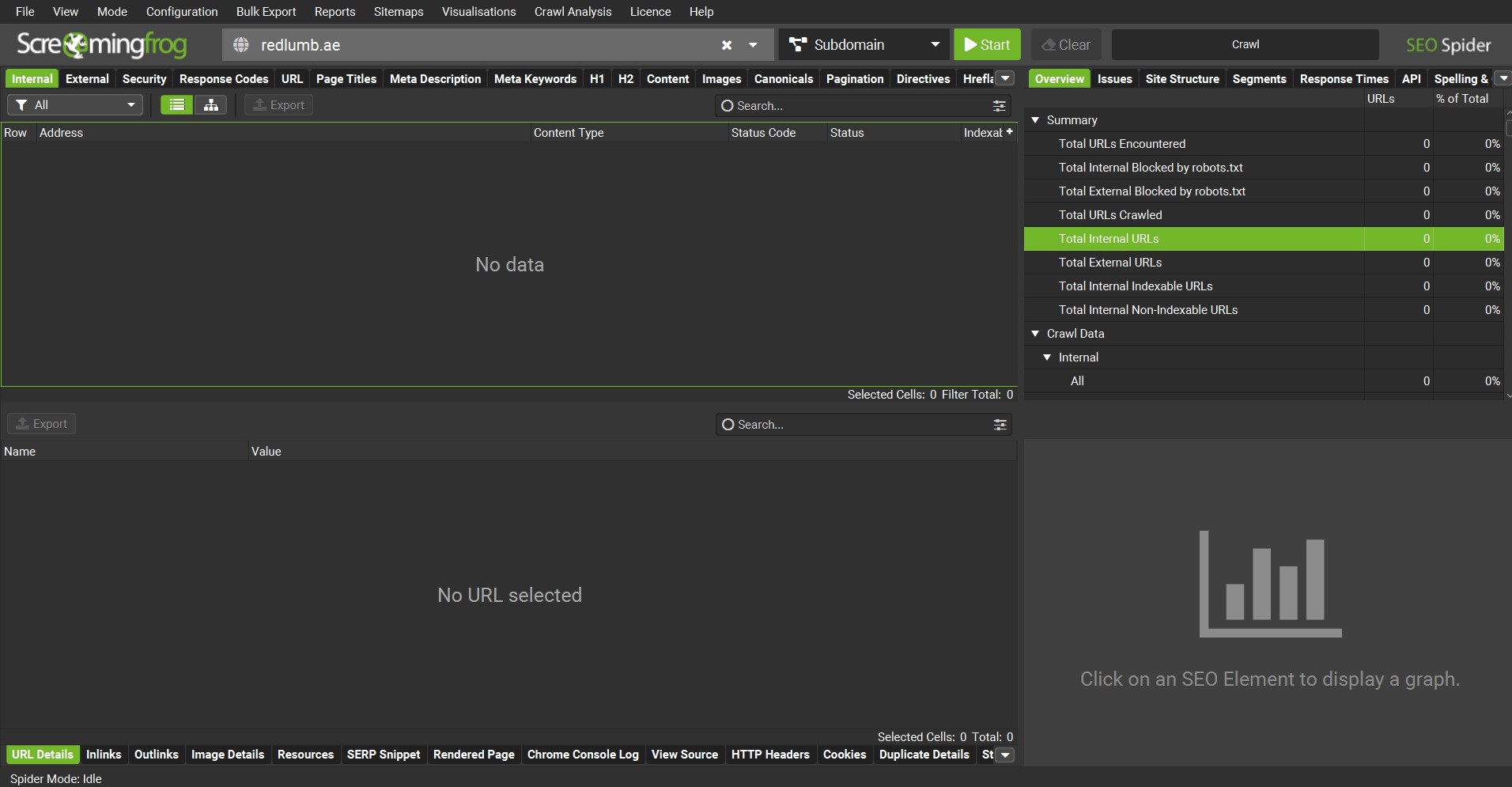
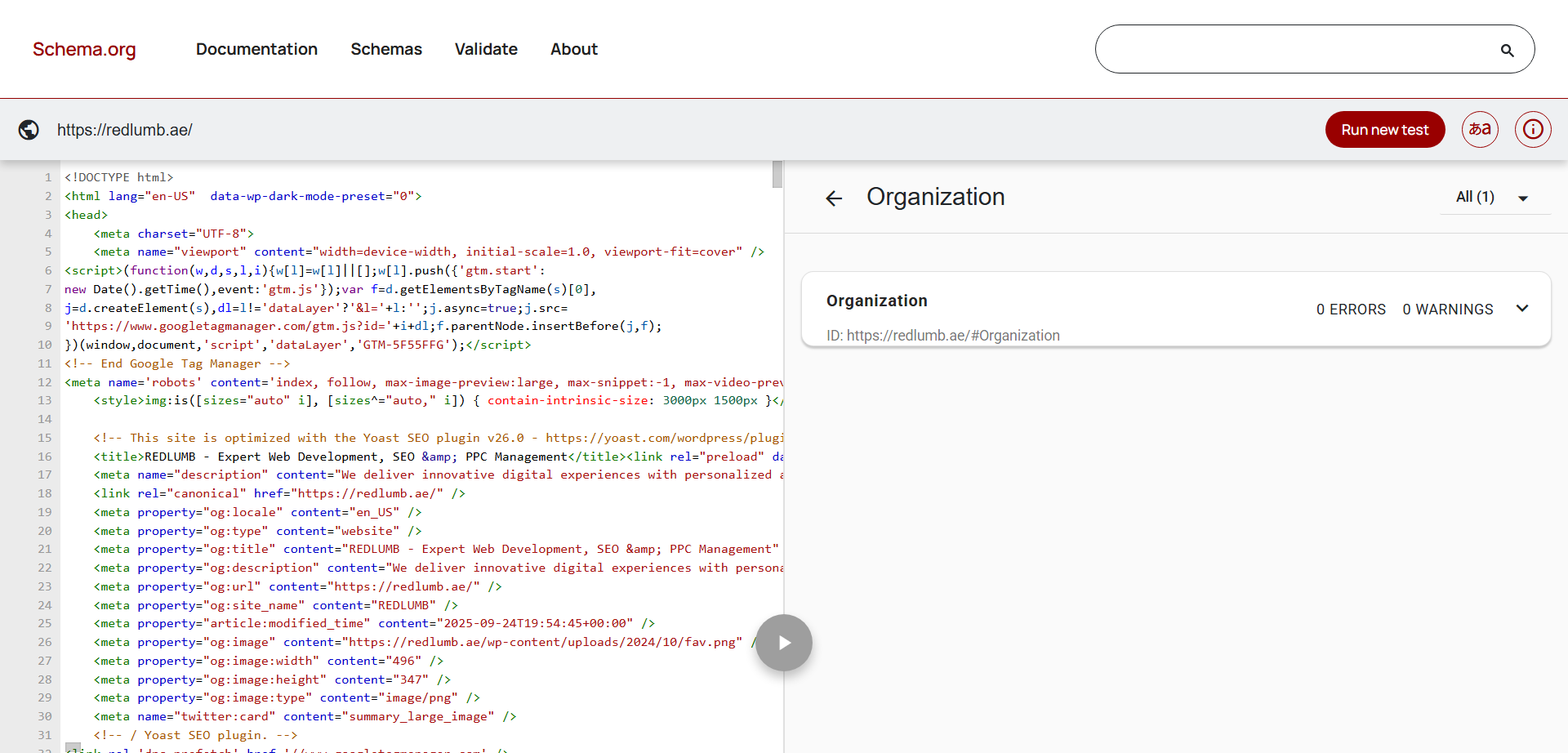
First things first, you must start by crawling your website to get an overview of all pages and detect potential problems. Tools to use: What to look for: Crawling your website really helps with providing a clear picture of the technical issues. With that sorted out, now you can pay attention to how to fix them promptly before they start tanking your website’s search rankings. You must also make sure that Google is indexing your important pages and not wasting resources on unnecessary ones. How to do it: Key checks: Page speed is a crucial ranking factor and affects user experience. Tools to use: What to check: Do not forget to address any slow-loading elements by compressing images, reducing server response time, and minimizing render-blocking resources. With mobile-first indexing, your site must work perfectly on mobile devices. How to check: Focus on: If your site isn’t mobile-friendly, implement responsive design best practices to enhance usability. Test all the features of your website on a mobile phone to confirm whether users can easily navigate across the webpage. A logical structure helps search engines understand your site hierarchy and content relationships. Things to audit: A well-organized site architecture helps distribute link equity and improves crawl efficiency. Google favors secure websites, so make sure your site uses HTTPS correctly. Audit points: Security issues can harm rankings and user trust, so prioritize fixing any vulnerabilities ahead of time. There are many known cases of websites taking a dent just because Google was unable to confirm the SSL certificate. Structured data helps search engines understand your content context and enhances search result appearances with rich snippets. How to audit: Common schema types: All you need to do is implement or fix schema markup to improve SERP visibility and click-through rates. Duplicate content can confuse search engines and dilute ranking signals. What to do: These files guide search engine bots on which pages to crawl and index. What to check: Keeping these files clean and accurate will promote efficient crawling and indexing for all of your pages. Your technical SEO audit doesn’t end with fixing issues. You must monitor it continuously to avoid any uncertain issues. Continuous monitoring helps catch and resolve technical SEO problems early. You should make the habit of monitoring the website’s analytics throughout the week and also keep track of Google Updates to stay ahead of the curve of the latest trends and technical issues that arise occasionally. Performing a technical SEO audit might seem overwhelming at first, but breaking it down into these manageable steps makes the process straightforward. Regular audits help you maintain a healthy website that performs well in search engines and offers a great user experience. Moiz Banoori is a Digital Marketing specialist with over eight years of experience in content creation and digital journalism. He leads teams at various brands and focuses on developing effective SEO strategies that enhance online visibility. With a degree in journalism, Moiz combines his passion for storytelling with technical skills to deliver innovative digital solutions at REDLUMB, helping clients achieve their online goals in a competitive landscape.
Step 1: Crawl Your Website
Step 2: Check Your Website’s Indexing Status
Step 3: Analyze Website Speed & Performance
Step 4: Ensure Mobile-Friendliness
Step 5: Review Your Site Architecture & Internal Linking
Step 6: Inspect Your HTTPS & Security
Step 7: Evaluate Structured Data & Schema Markup
Step 8: Check for Duplicate Content & Canonicalization
Step 9: Audit Robots.txt & Sitemap.xml Files
Step 10: Monitor Your Website’s Analytics & Logs